
Opti5 turns your Zerodha feed into a fast, clear option chain with live Greeks, OI build-up, support and resistance, σ ranges, a strategy builder and minute-by-minute replay, all on your own PC.
Windows 10 / 11 · No card needed for the trial · Log in with your mobile number
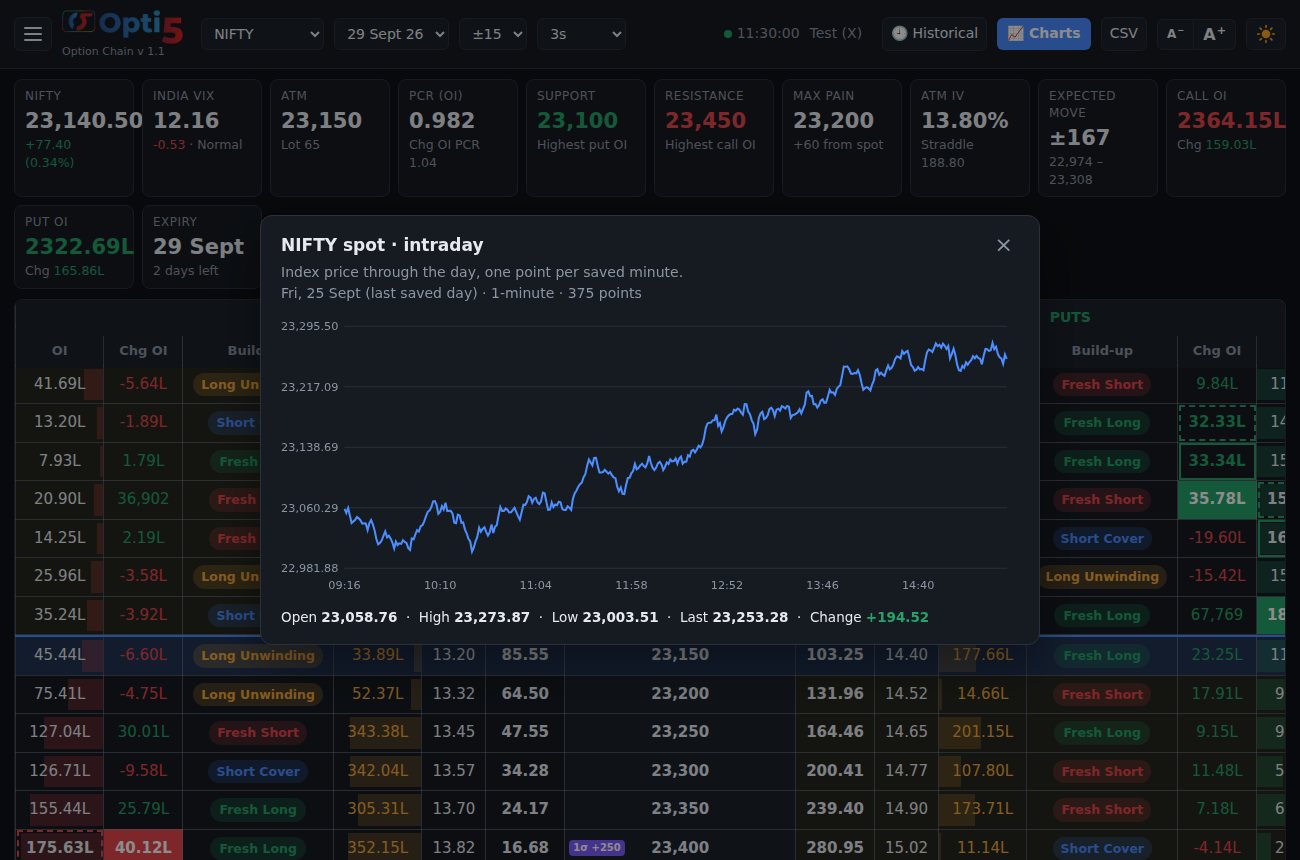
Every number traders check before taking a position, calculated from the full chain and updated live.
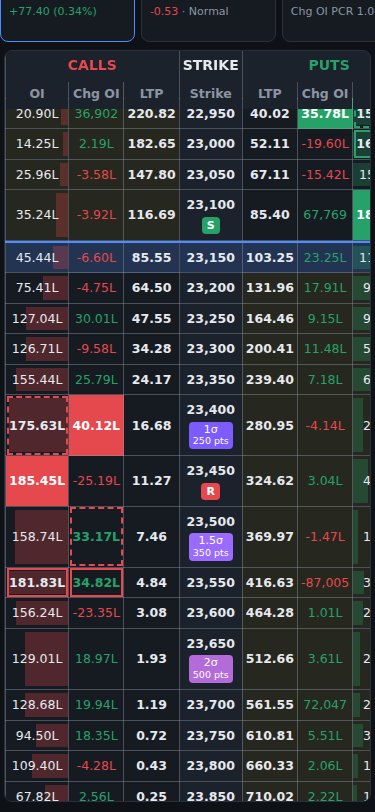
LTP, OI, change in OI, volume, IV and Delta for every strike, refreshing every second, with ITM shading and the ATM row highlighted.
Fresh Long, Fresh Short, Short Cover and Long Unwinding on every strike. Tap a tag to see what it means.
The highest OI, change in OI and volume on each side stand out in solid colour, so key strikes are easy to spot.
Expected-move badges on the strike column, worked out from ATM IV and the exact time left to expiry.
Highest put and call OI, max pain, PCR and call/put OI totals, calculated over the whole chain.
Tap a heading for a chart across strikes, a cell for its 1-minute intraday line, or a summary box for NIFTY, VIX, PCR or IV.
Rich, Fair or Cheap, from IV vs historical volatility and the India VIX percentile. Shows when selling premium pays better.
Pick strikes by delta for strangles and iron condors, and track the futures premium or discount live.
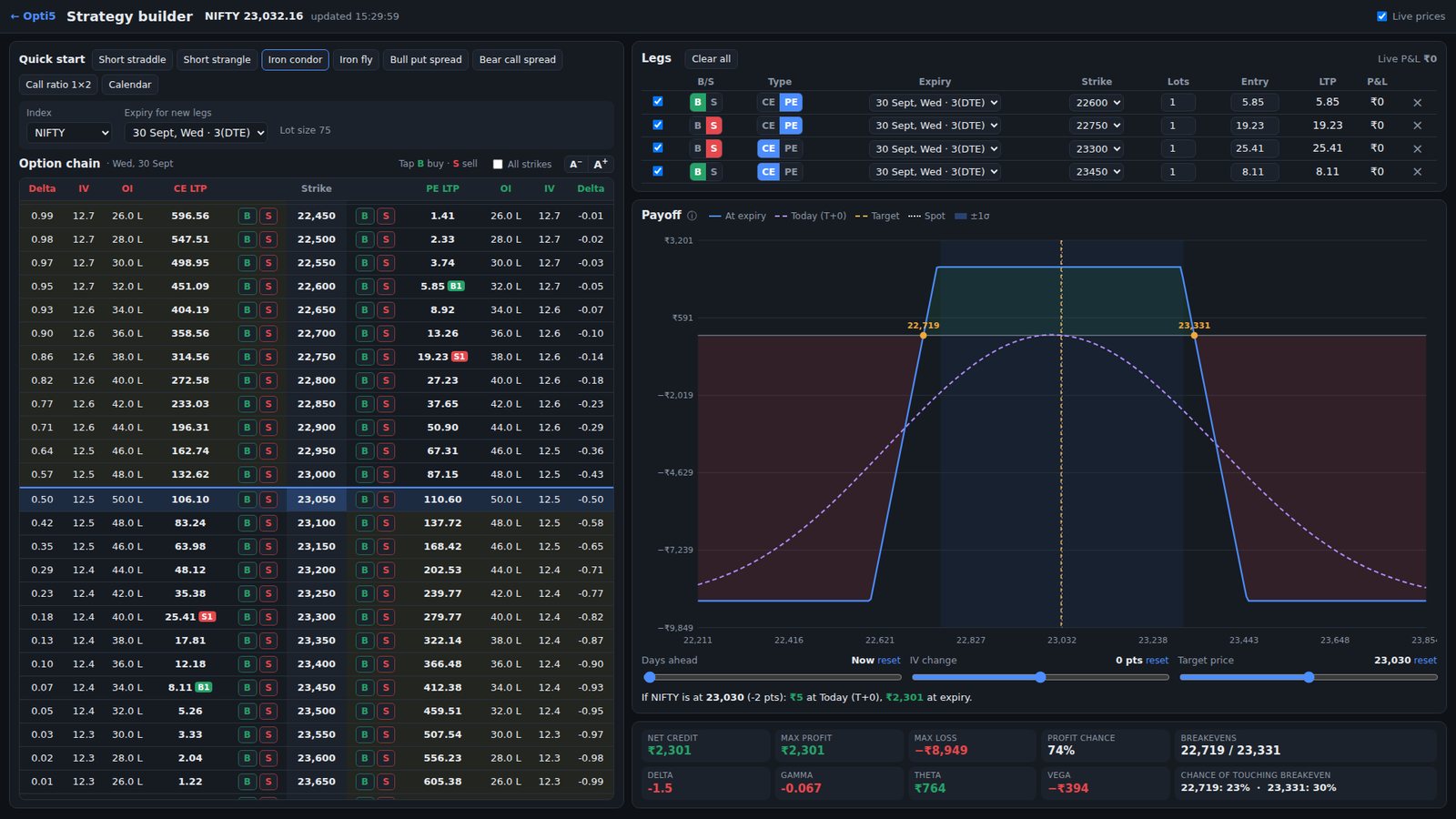
Pick legs straight from the option chain or start from a template, and see the risk before you place a single order.
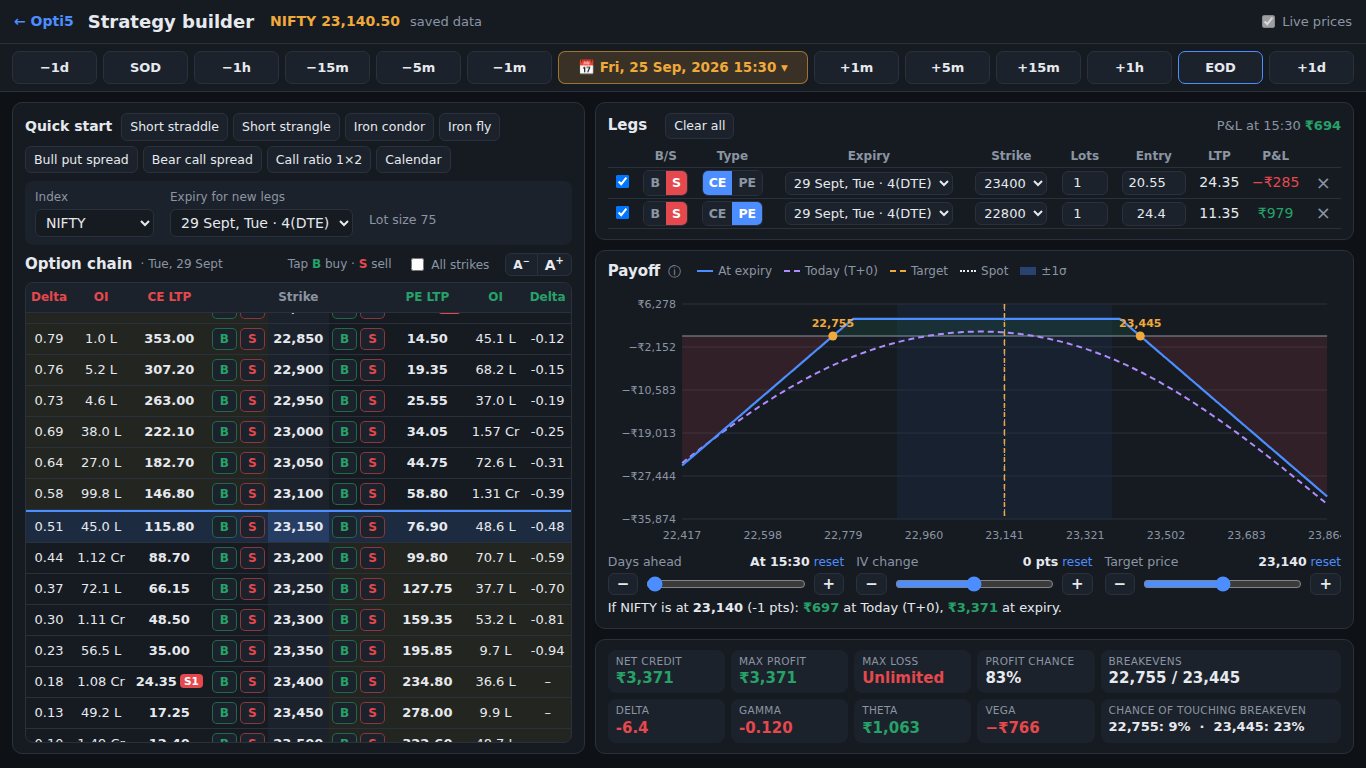
Opti5 saves the full chain every minute. Go back to any saved moment and watch your strategy play out.
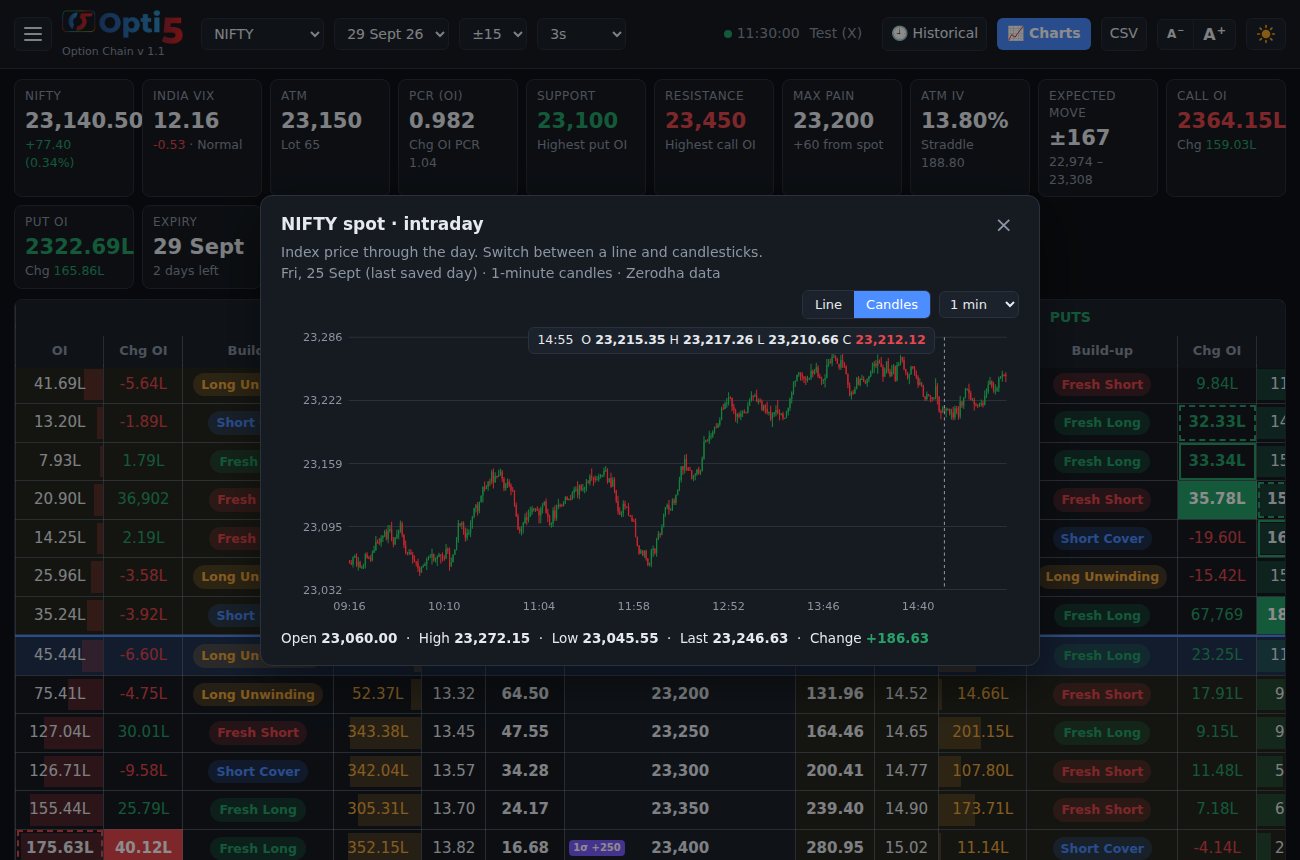
Spot as a line or as 1, 3, 5 or 15-minute candles, plus OI change, PCR, straddle, ATM IV, India VIX with selling zones and any single strike.
Turn on phone access and open Opti5 on any phone on your home Wi-Fi, protected by a password. The layout is made for small screens.
No installation wizard, no Python to set up. Everything is inside the zip.
Log in on this website with your mobile number and OTP. Your free trial starts straight away.
Download the zip from My account and extract it, for example to your Desktop.
Double-click Login. Your browser opens Opti5 by itself. Connect your own Zerodha account.
Sign in to the app with the same mobile number. Buy a plan any time before the trial ends.
Try every feature free for days. Then pick a plan and pay securely by UPI, card or net banking, on this website or inside the app.
Yes. Opti5 shows live data from your own Zerodha (Kite) account. You log in with your own Zerodha details, and they are stored only on your computer.
Windows 10 and 11 (64-bit). It runs in your normal web browser (Chrome or Edge recommended) and needs an internet connection. You can also view it on a phone on the same Wi-Fi.
No. Opti5 is an analysis tool. It never places, modifies or cancels orders. You trade on your broker's own platform.
NIFTY, BANKNIFTY, FINNIFTY, MIDCPNIFTY, SENSEX and BANKEX, with every listed expiry.
Log in on this website with your mobile number and the OTP sent to you, download Opti5 from My account, and every feature is unlocked for days. No card is needed. One free trial per mobile number.
On My account (on this website or inside the app), choose a plan and pay by UPI (Google Pay, PhonePe, Paytm and others), debit or credit card, or net banking through Razorpay. Your plan is active as soon as the payment is confirmed, usually straight away.
The app locks itself until you buy or renew a plan. Your settings and saved market history stay on your PC. Renew from My account on this website or inside the app; renewing early adds the new days on top of your current plan.
Your plan is linked to your mobile number, so you can sign in on your own computers. Please don't share your account with other people.
No. Opti5 shows calculations and data to help you analyse the market. It doesn't tell you what to buy or sell, and we are not SEBI-registered advisers. See the Disclaimer.
Log in, download, connect your Zerodha account and see the whole chain the way option sellers need it.
⤓ Start free trial